
Chrome extension
Installation process
1. Download the extension ZIP and unzip it:
2. Open chrome://extensions/ and enable Developer mode.
chrome://extensions/ and enable Developer mode.
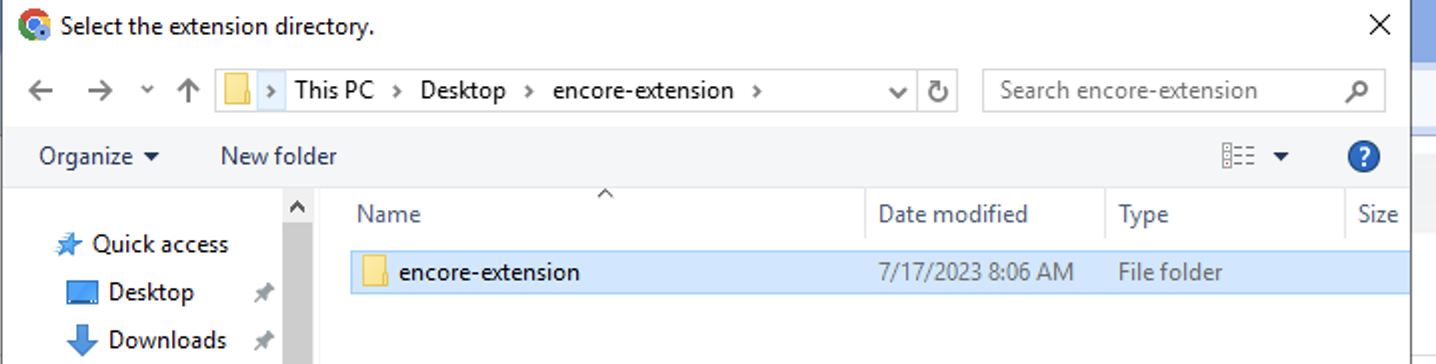
3. Click Load unpacked and select the unzipped extension folder.
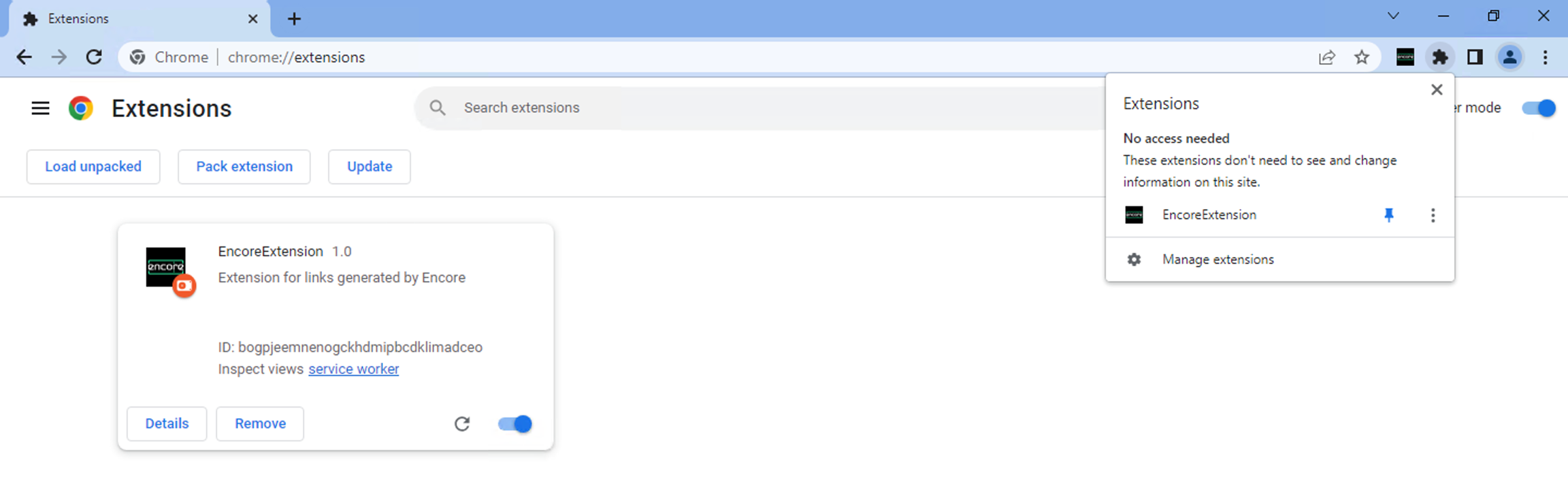
4. Enable the extension and pin it in Chrome.
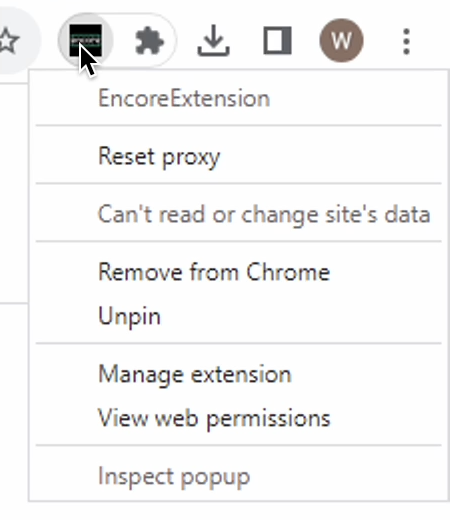
Extension options

Last updated