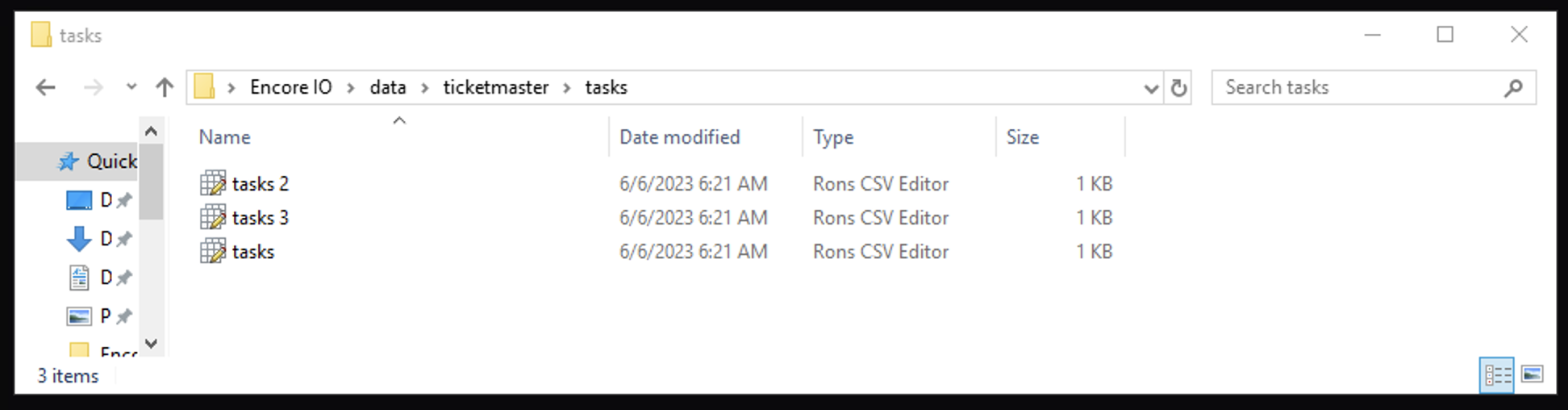
Tasks file for Queue-it tasks. Recommend to run from 500 tasks for hype drops.
Follow Encore IO\data\module\tasks folder.
Open tasks.csv file with Ron's editor.
Fill proxies in the file:
For launch Queue-it module you just need proxies, as it work with queues which is not require to login account. Instead of accounts use proxies, so 1 proxy is 1 entrance in queue (1 task line). Also you can try to use 1 proxy for several tasks (1-3) on your risk.
You can create multiple task files. For example, if you want to separate your accounts for Drop.
While Launch eventsor , you will be prompted to choose a task file to run or you can just run all accounts.