
Password reset
Reset password directly via bot
You can also activate password auto-reset during Accounts login in SettingsSo If your account get locked, bot will automatically reset password during login. Password reset updates the password in Accountsacross all TM regions.
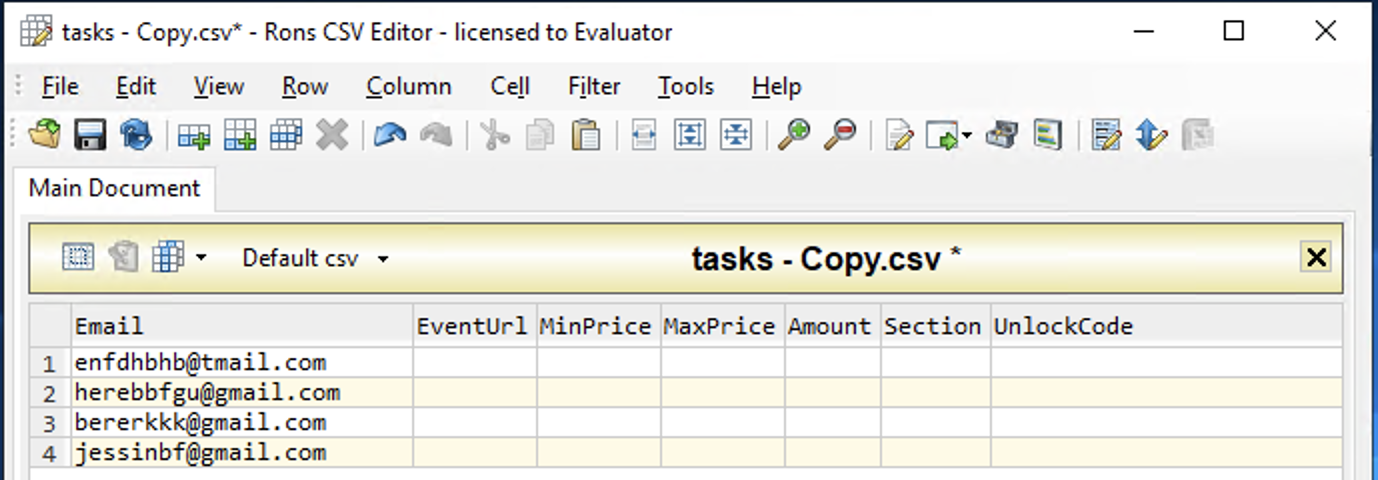
Follow Encore IO\data\module\tasks folder and create a new task file with emails of accounts on which you want to reset password.
Password reset feature is available only for modules which requires accounts. Also accounts should be already logged in bot via Accounts login.
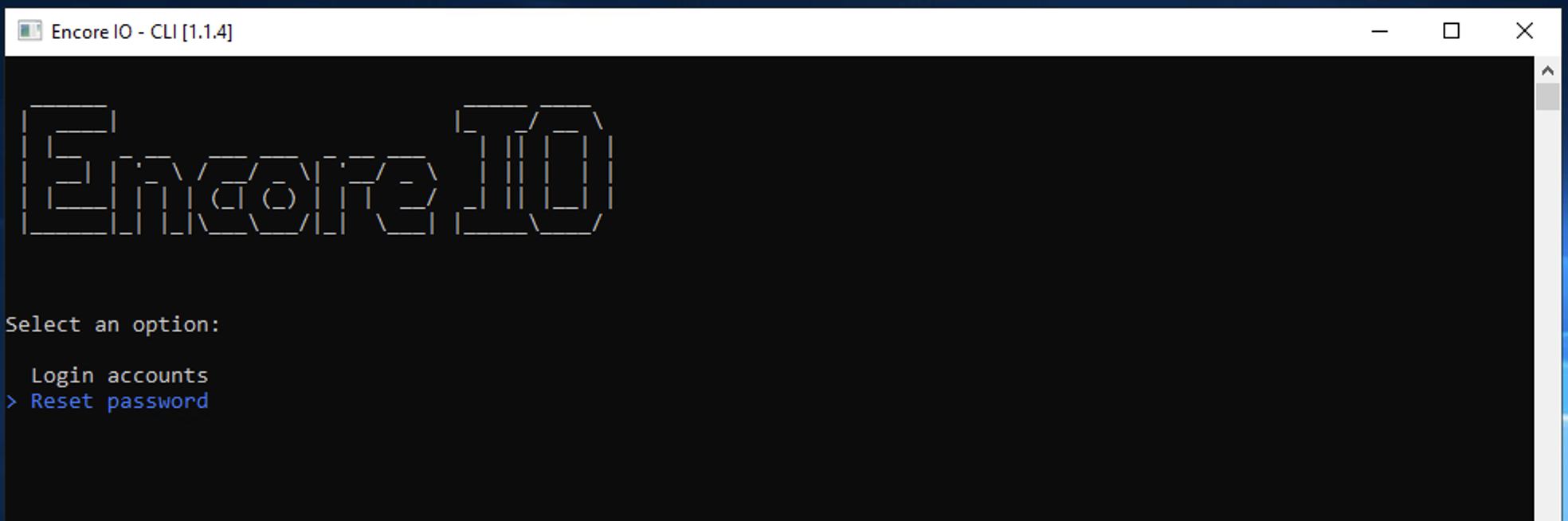
Open EncoreIO.exe > Choose Module > Accounts > run Reset password command.
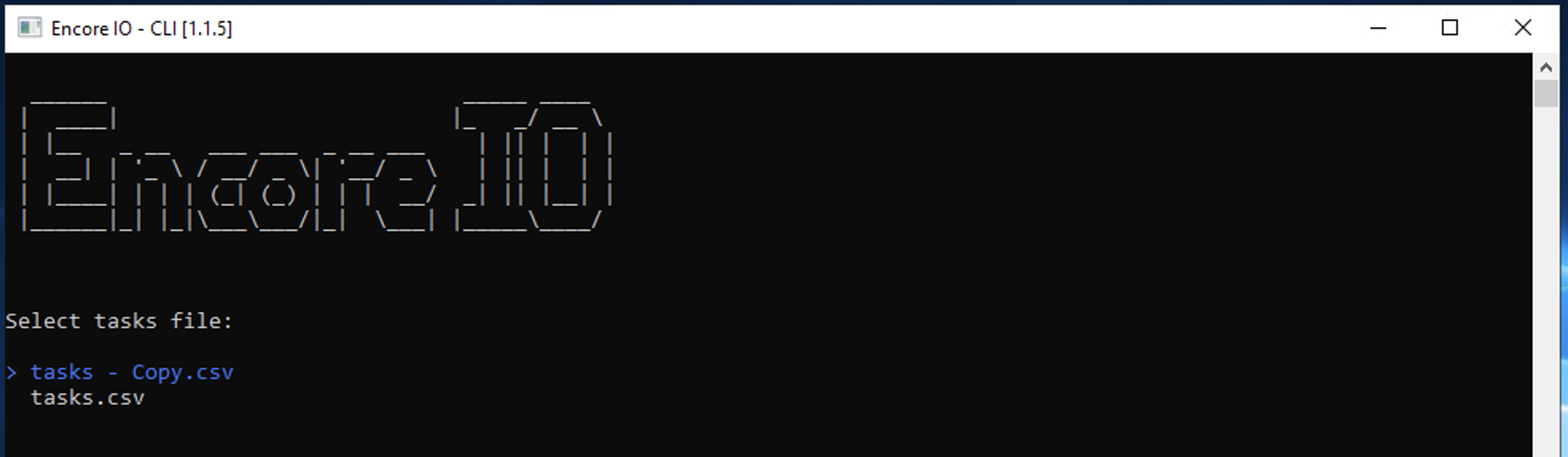
Choose tasks file with emails of accounts you need to reset.
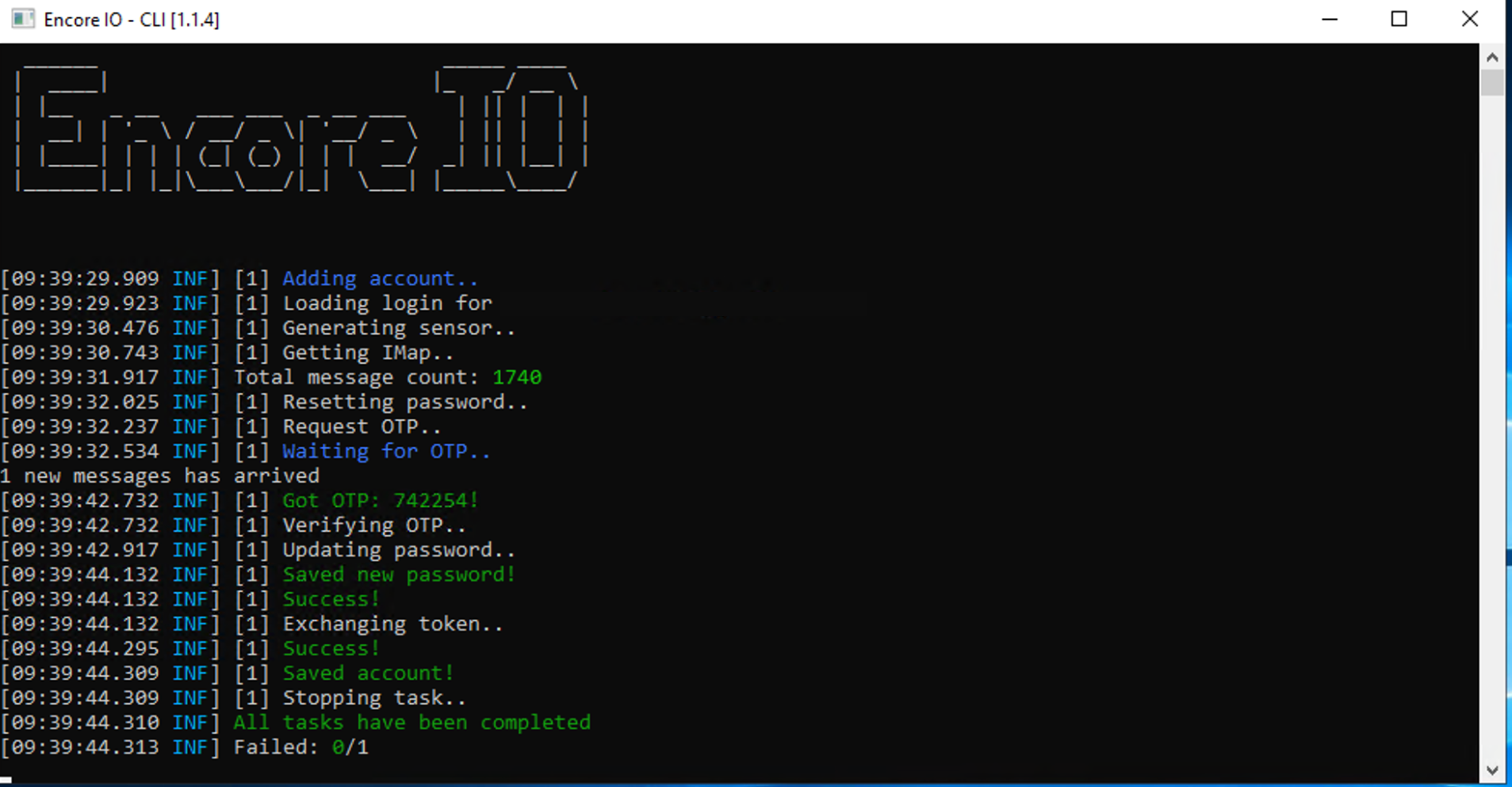
Bot will auto-reset and set new passsword of your accounts from tasks file. New passwords will be available in Accounts.csv file.
Last updated